Vergleich Editionen
CAD Integration
Unterstütze Formate
Neu in Composer 11 ?
Trainingskurs
Composer Galerie
Systemanforderungen
Preise
RhinoCAD
CAD Konverter



 3DOne GmbH
Asternstrasse 29
85521 Riemerling
Fon: 089/60013918
Fax: 089/60013919
E-Mail: info@3DOne.de
Kundenmodul
starten...
Position: Produkte > Simlab Composer 14 > Neu in Composer 11 ?
Simlab Composer 11 - Was ist neu?
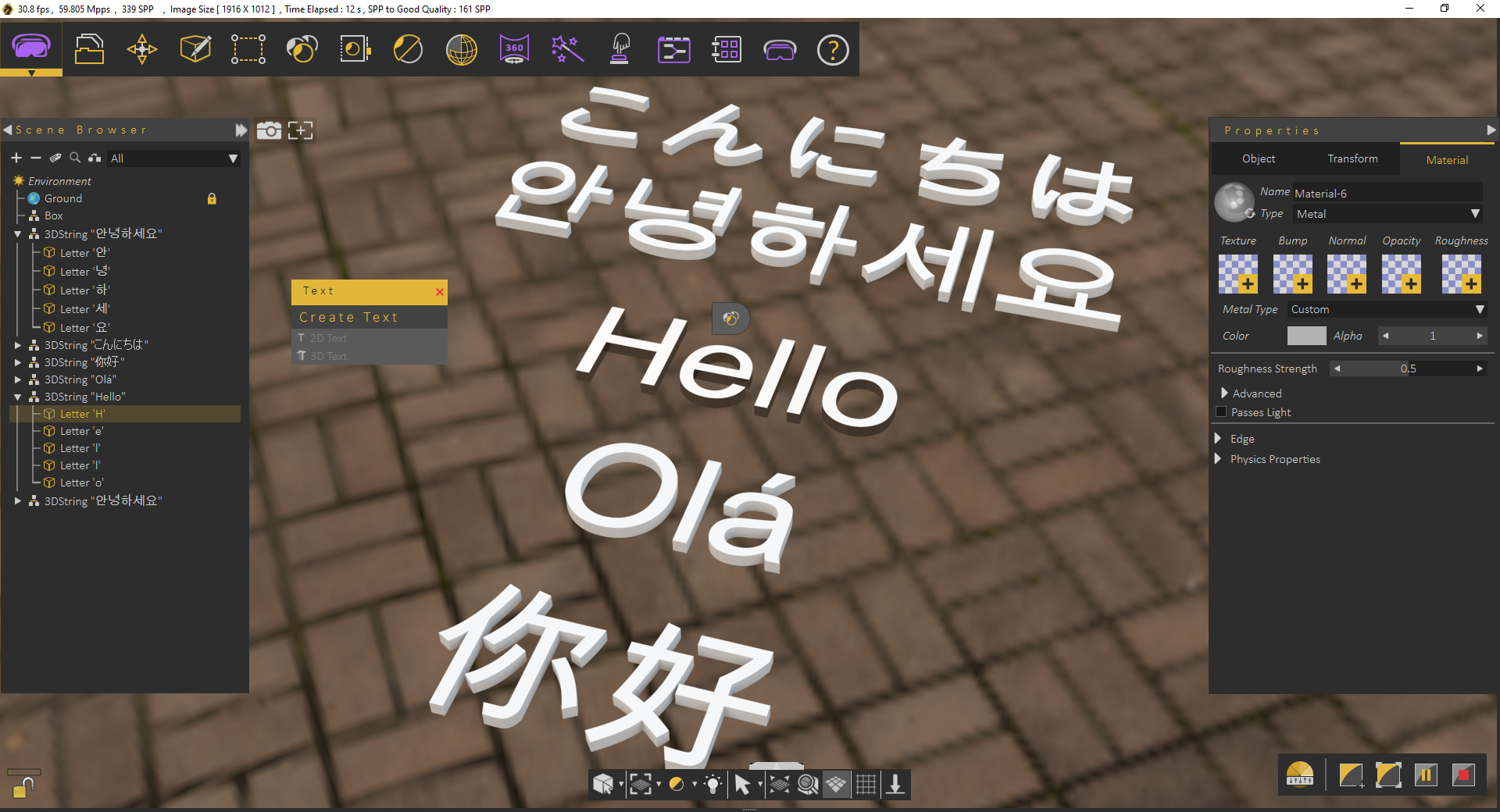
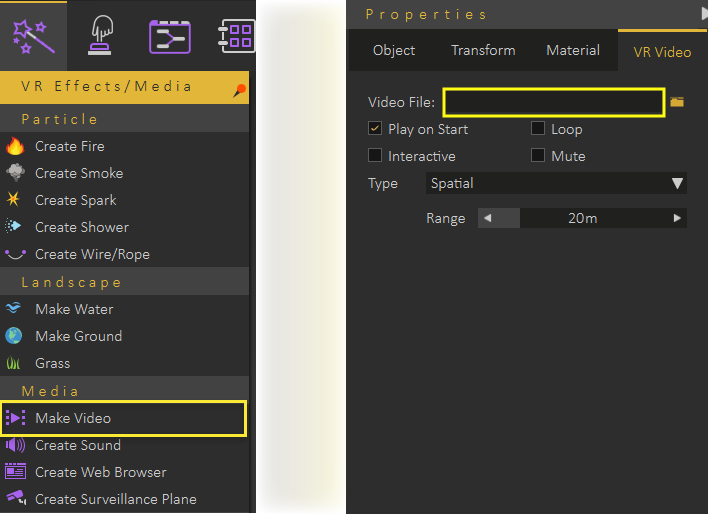
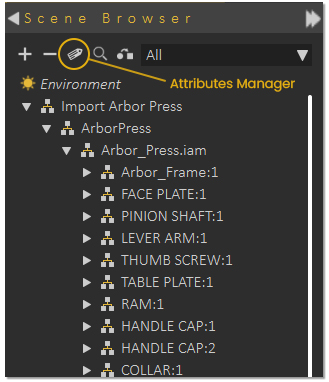
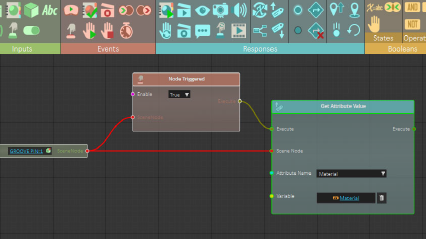
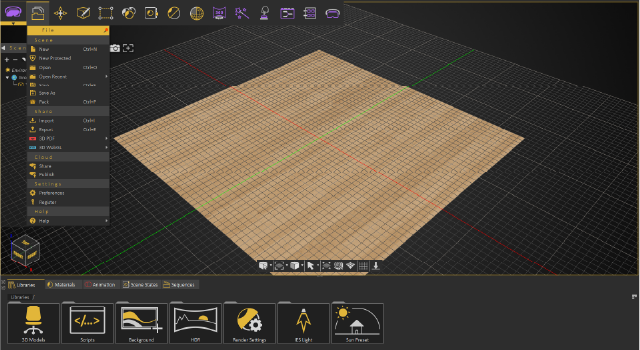
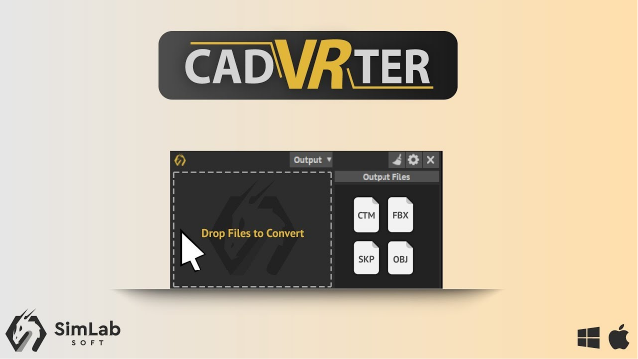
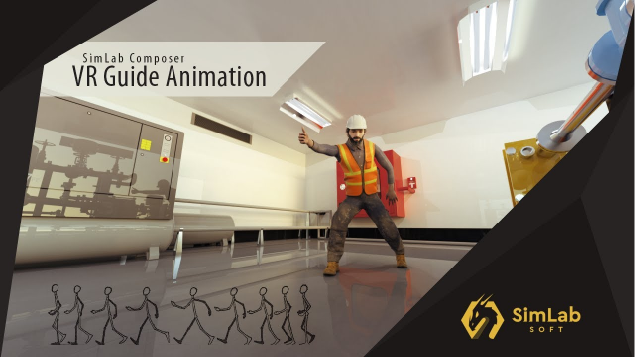
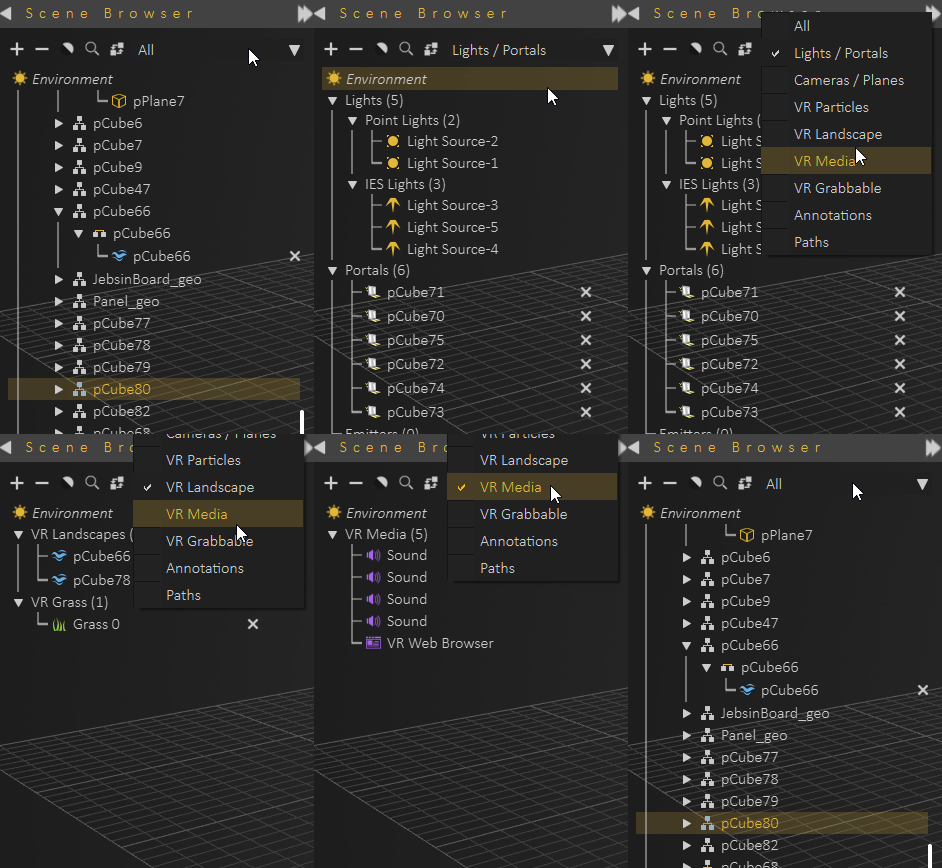
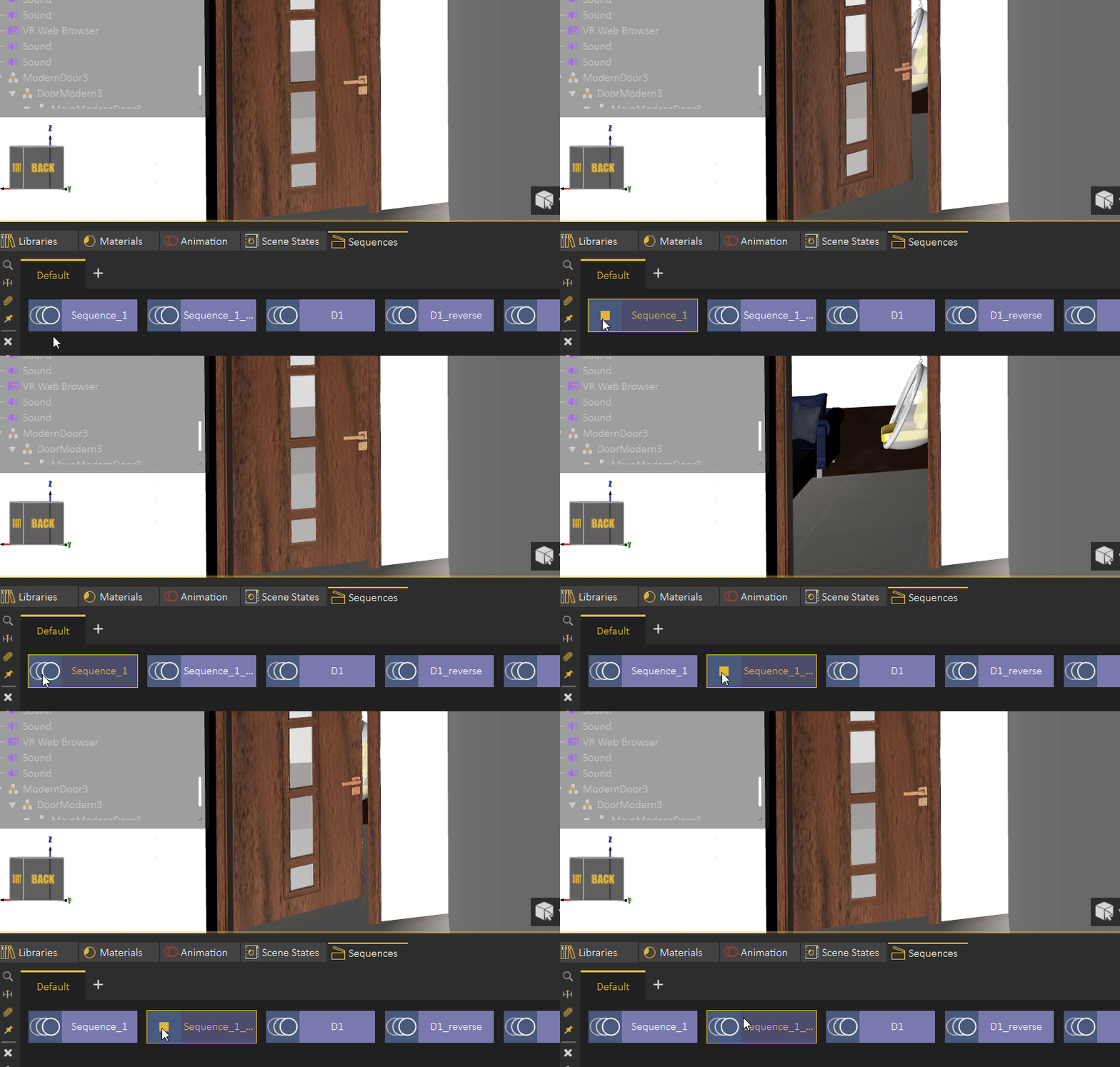
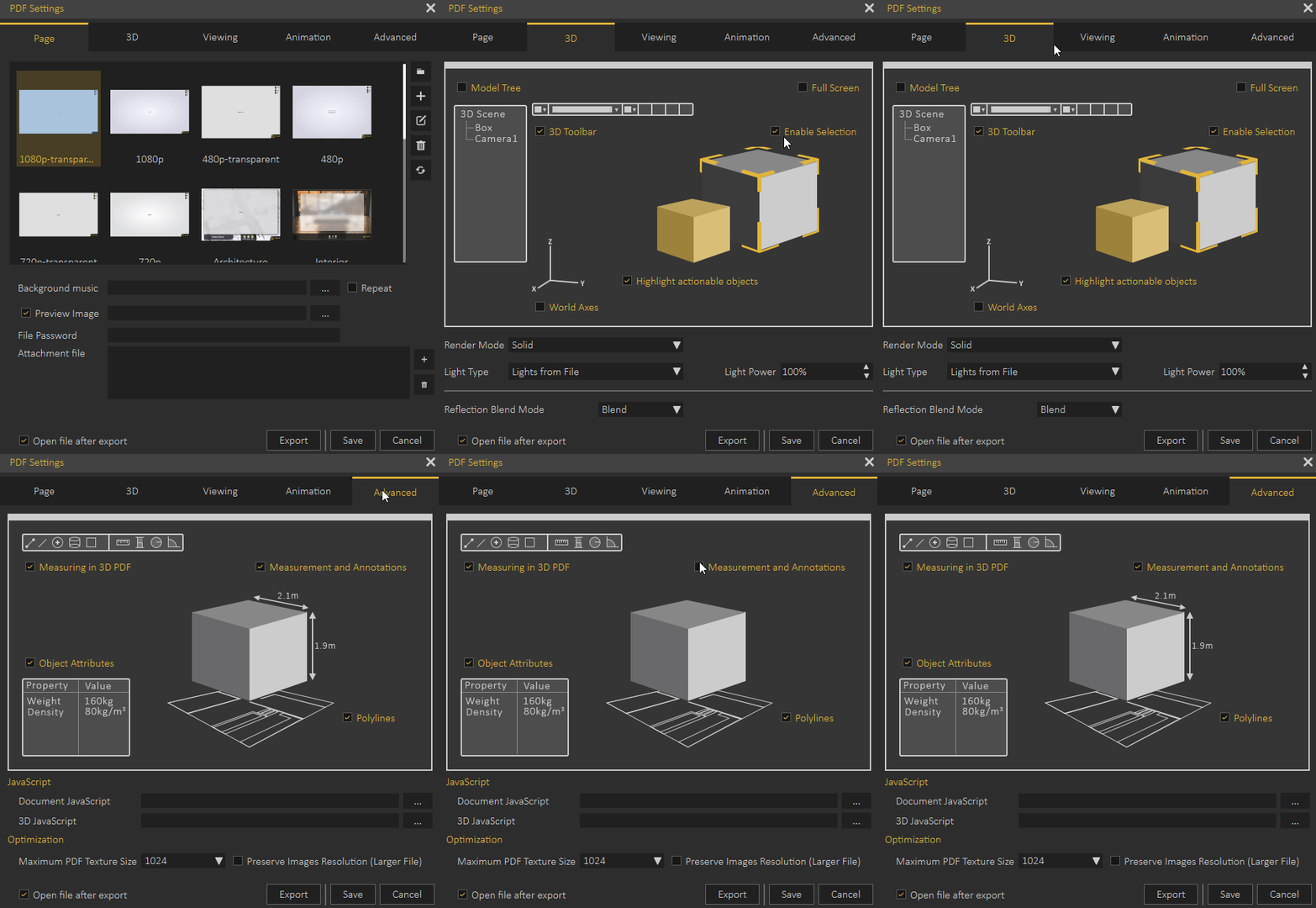
Funktionen in SimLab Composer 11 Wichtige Aktualisierungen: Andere Aktualisierungen: Funktionen in SimLab Composer 10.22 Simlab Composer und seine FBX-, USDZ- und GLTF-Reader/Writer unterstützen jetzt PBR-Materialien. Passen Sie das Aussehen der VR-Controller an, fügen Sie verschiedene Animationen hinzu und ändern Sie sie interaktiv. Fügen Sie Ihren VR-Erlebnissen anpassbare HUDs hinzu, um den Betrachter zu führen und ihm nützliche Informationen zu geben, ohne das Erlebnis zu unterbrechen. Fügen Sie Ihren VR-Erlebnissen anpassbare HUDs hinzu, um den Betrachter zu führen und ihm nützliche Informationen zu geben, ohne das Erlebnis zu unterbrechen. Funktionen in SimLab Composer 10.21 Importieren Sie Ihre Punktwolkenmodelle mit verschiedenen Erweiterungen (e57, LAZ, XYZ). Funktionen in SimLab Composer 10.20 Das neue Bedienfeld „Attribute“ ermöglicht Ihnen das Anzeigen, Bearbeiten und Löschen von Attributnamen und deren Werten und ermöglicht es dem Benutzer, Attribute in größerem Maßstab zu verwalten, ohne die Attribute jeder Komponente einzeln bearbeiten zu müssen. Der Attribute Manager ermöglicht es Ihnen, Attribute zu einer einzelnen oder mehreren Komponenten gleichzeitig zu suchen, zu bearbeiten, zu löschen und hinzuzufügen. Weitere Informationen finden Sie im folgenden Blog. Anzeigen und Speichern von Attributen in VR über den Trainings-Builder mithilfe einer Variablen, eines Variablenschreibers und einer Antwort zum Abrufen von Attributen Vorlagenknoten Verwenden Sie ein Abfragesystem, um ein einzelnes oder mehrere Objekte aus der Szene zu definieren, die dann ähnlich dem regulären Szenenknoten an Ereignis- und Antwortknoten angehängt werden können Funktionen in SimLab Composer 10.18 Neuer schneller und optimierter Algorithmus für einen besseren Dezimationsprozess Herunterfallen / Objekt ausrichten / Position festlegen / abrufen, ausblenden / anzeigen Funktionen in SimLab Composer 10.15 Funktionen in SimLab Composer 10
Eine kurze Zusammenfassung der neuen Updates in SimLab Composer 11:
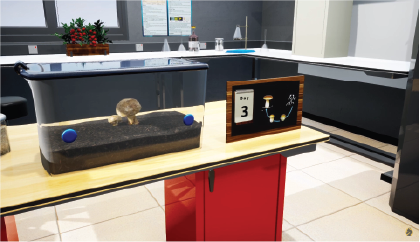
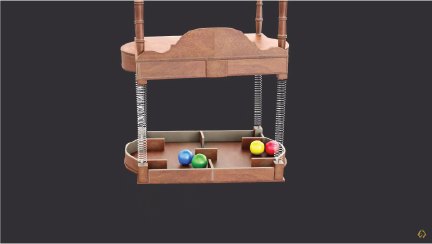
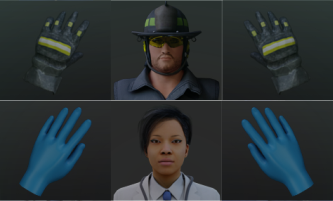

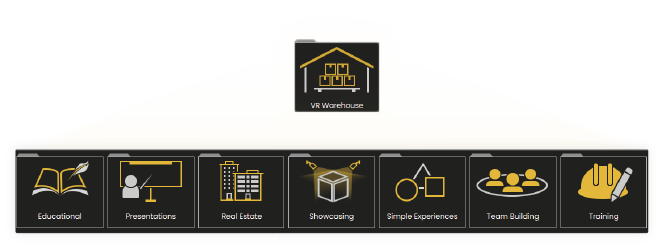
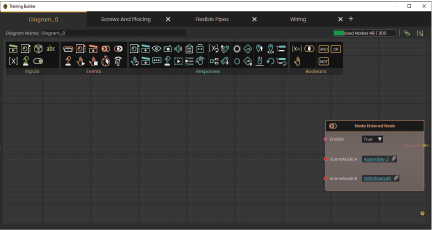
Eine kurze Zusammenfassung der neuen Updates in SimLab Composer 10.22:
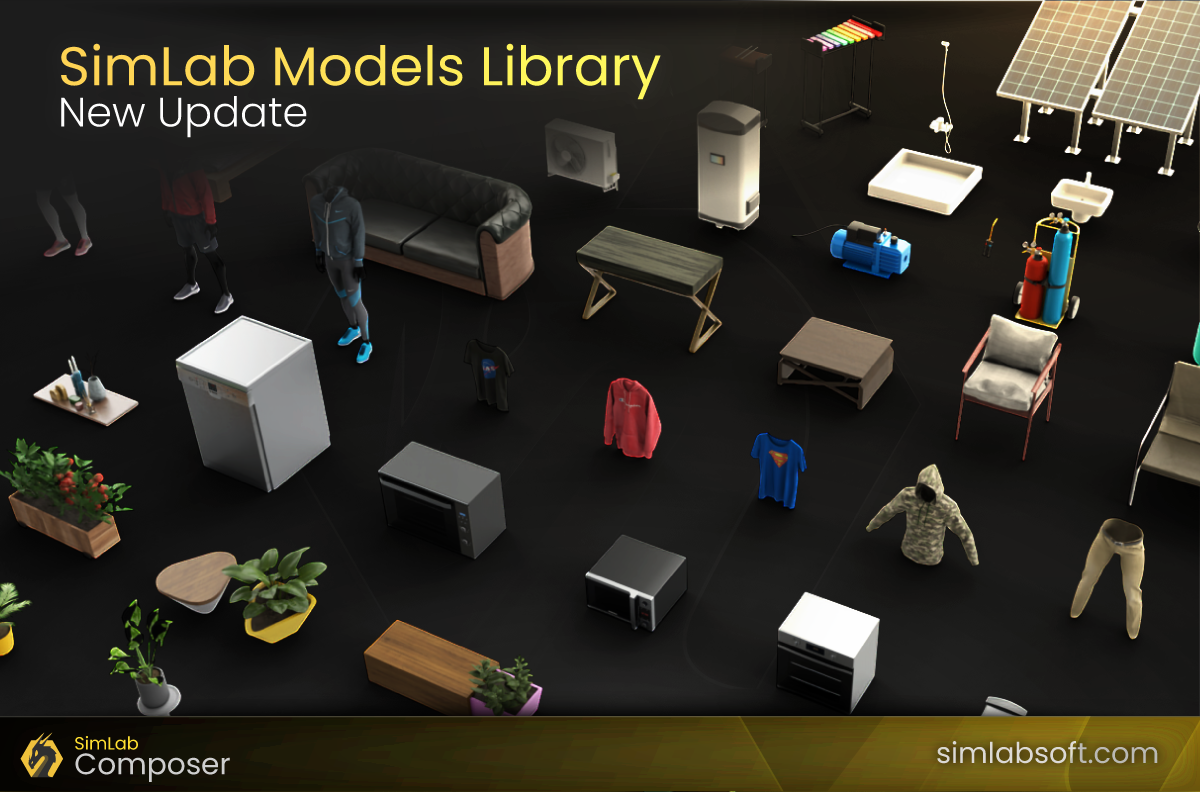
Das erste große Update für Simlab's 3D-Modell- und Szenenbibliothek
Neue Updates rein Simlab Materialbibliothek
Sie können jetzt ausgewählte Modelle aus einer Szene in eine neue Datei exportieren oder sogar alle ausgewählten Modelle einzeln aus der Szene auf einmal exportieren.
Bessere Kontrolle und Geschwindigkeit beim Lesen von Punktwolkendateien.
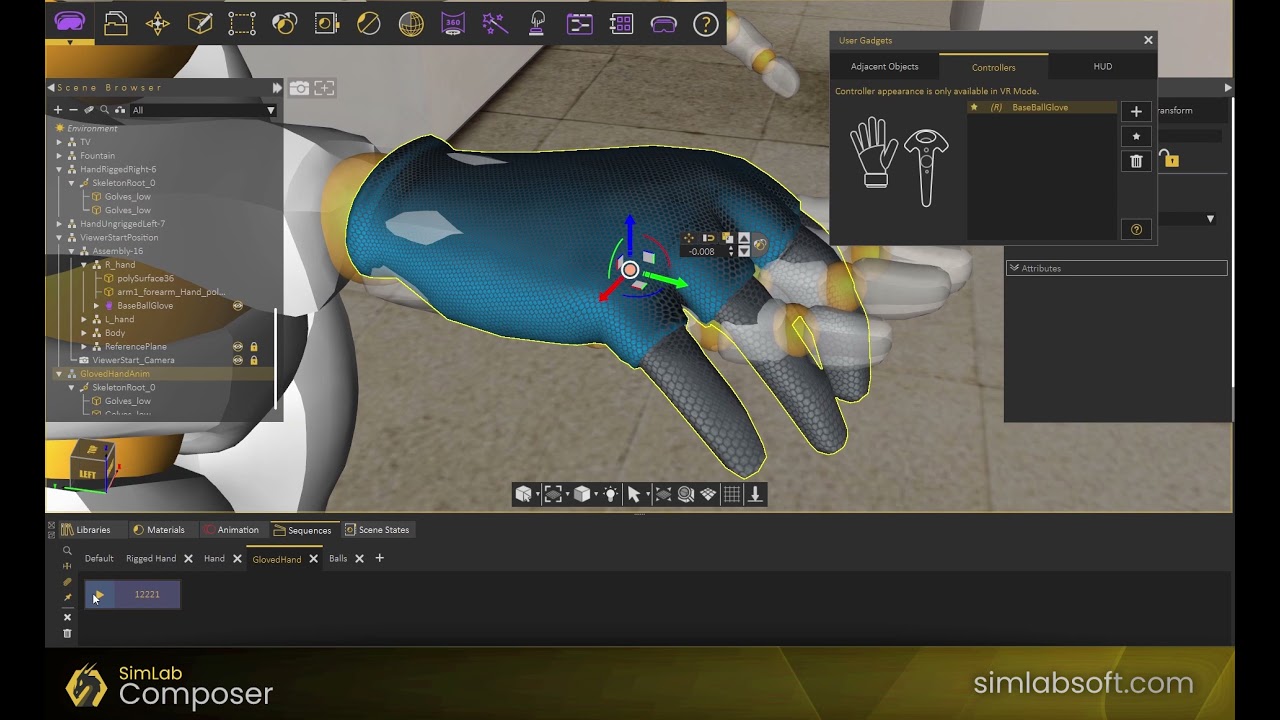
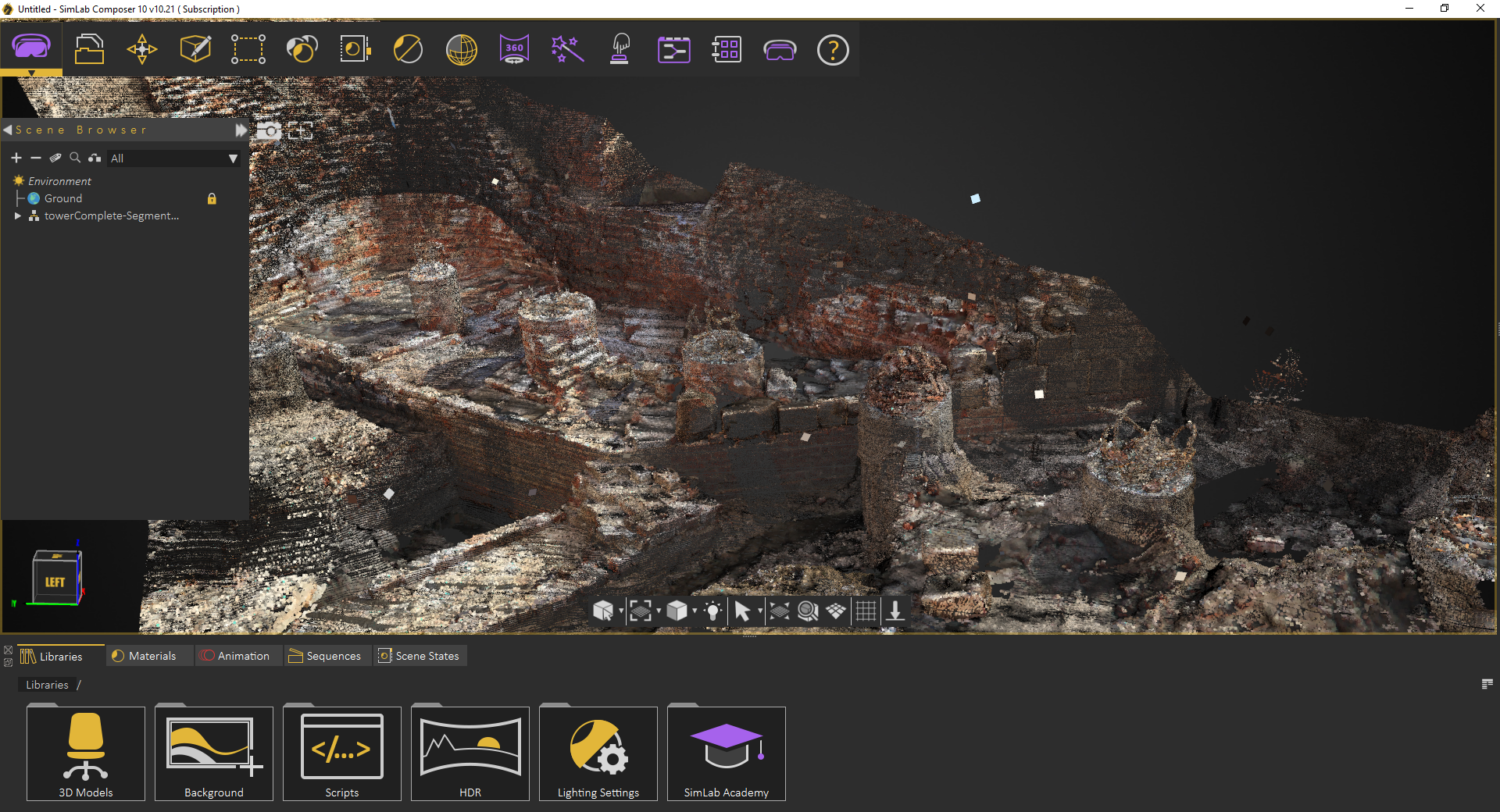
Eine kurze Zusammenfassung der neuen Updates in SimLab Composer 10.21:
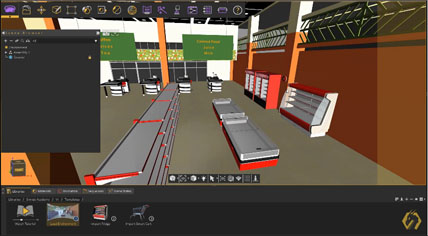
Wo die Benutzer ihre eigene Umgebung mit ihren Modellen importieren können.
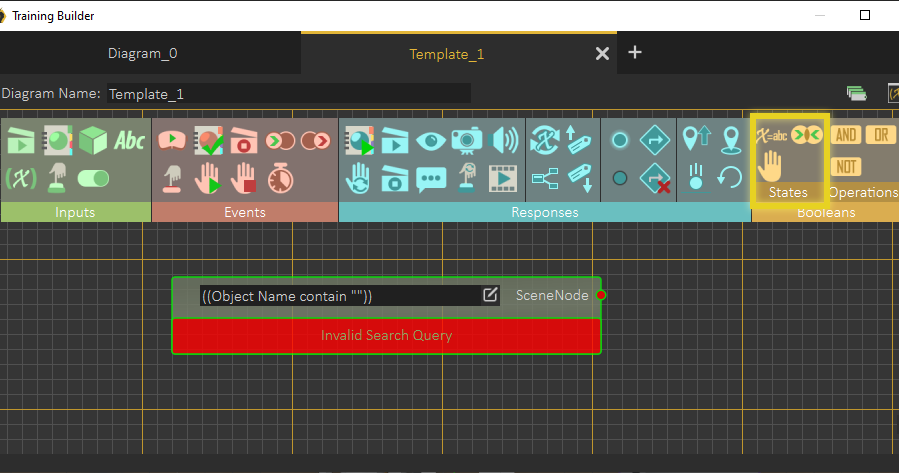
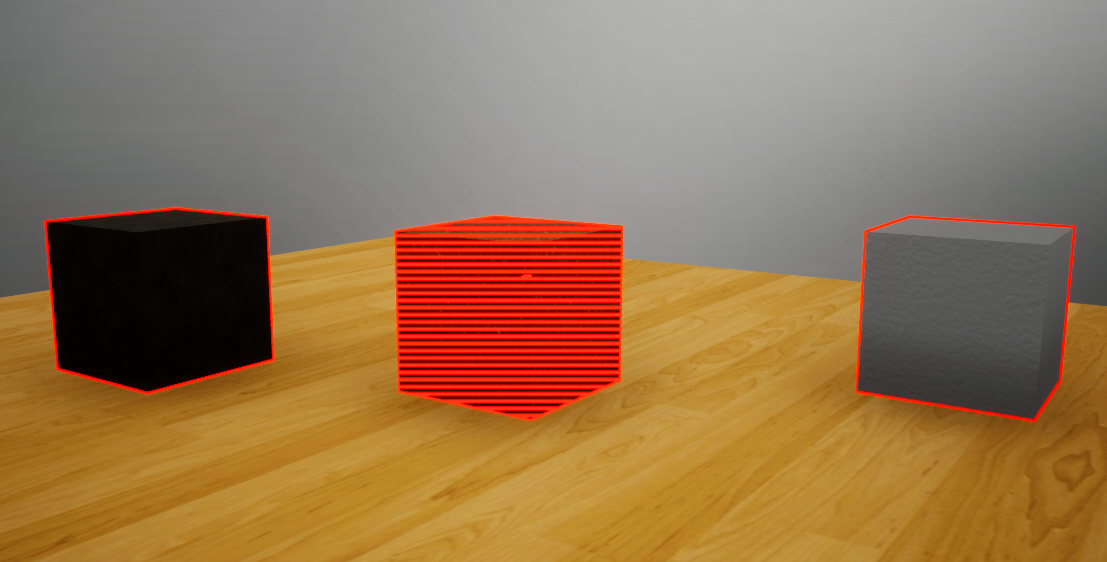
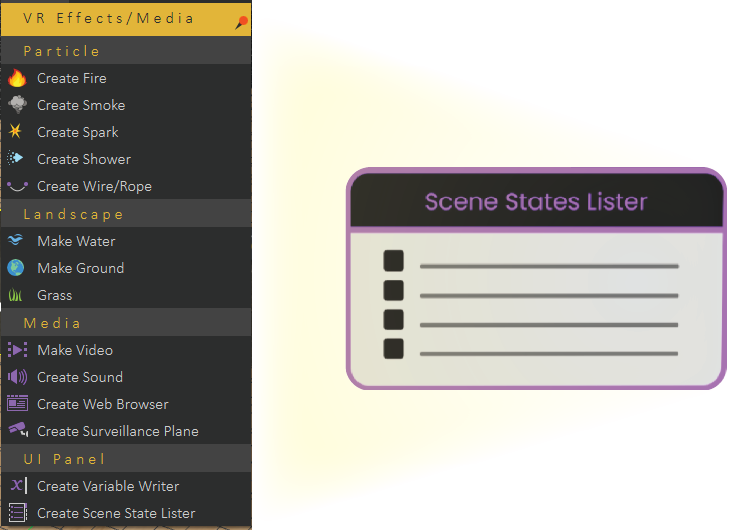
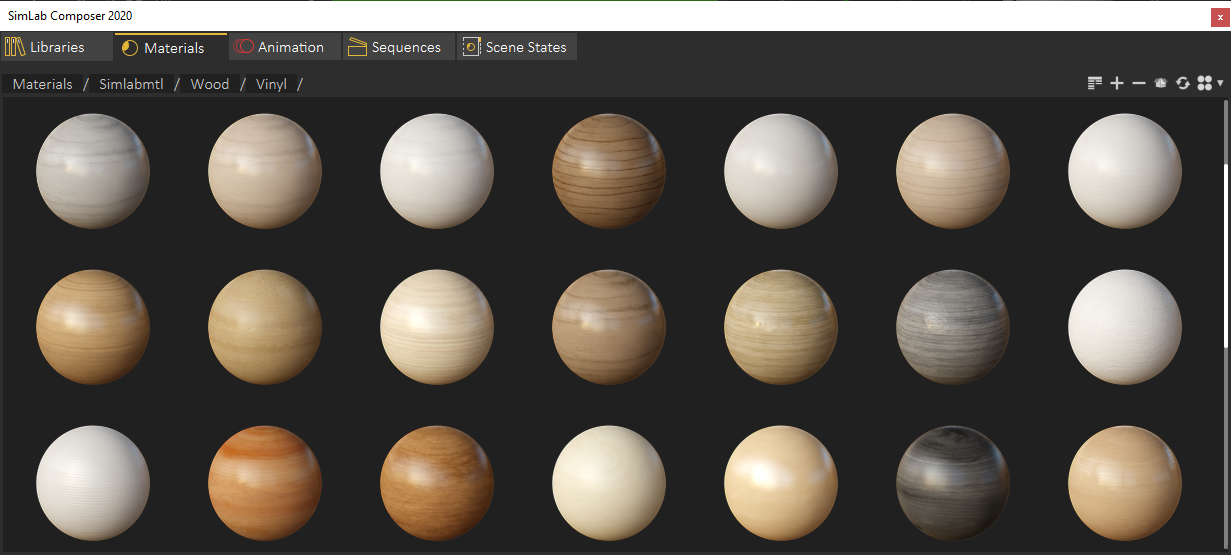
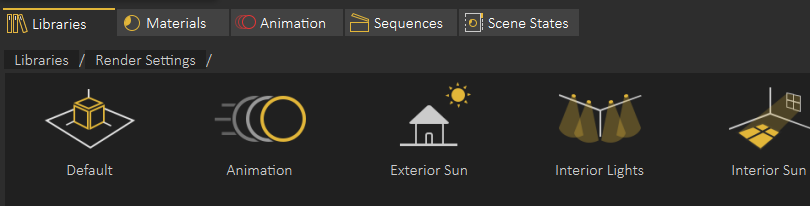
Eine kurze Zusammenfassung der neuen Updates in SimLab Composer 10.20:
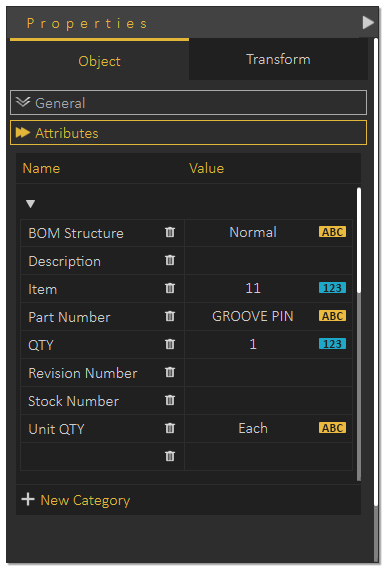
Eine kurze Zusammenfassung der neuen Updates in SimLab Composer 10.18:
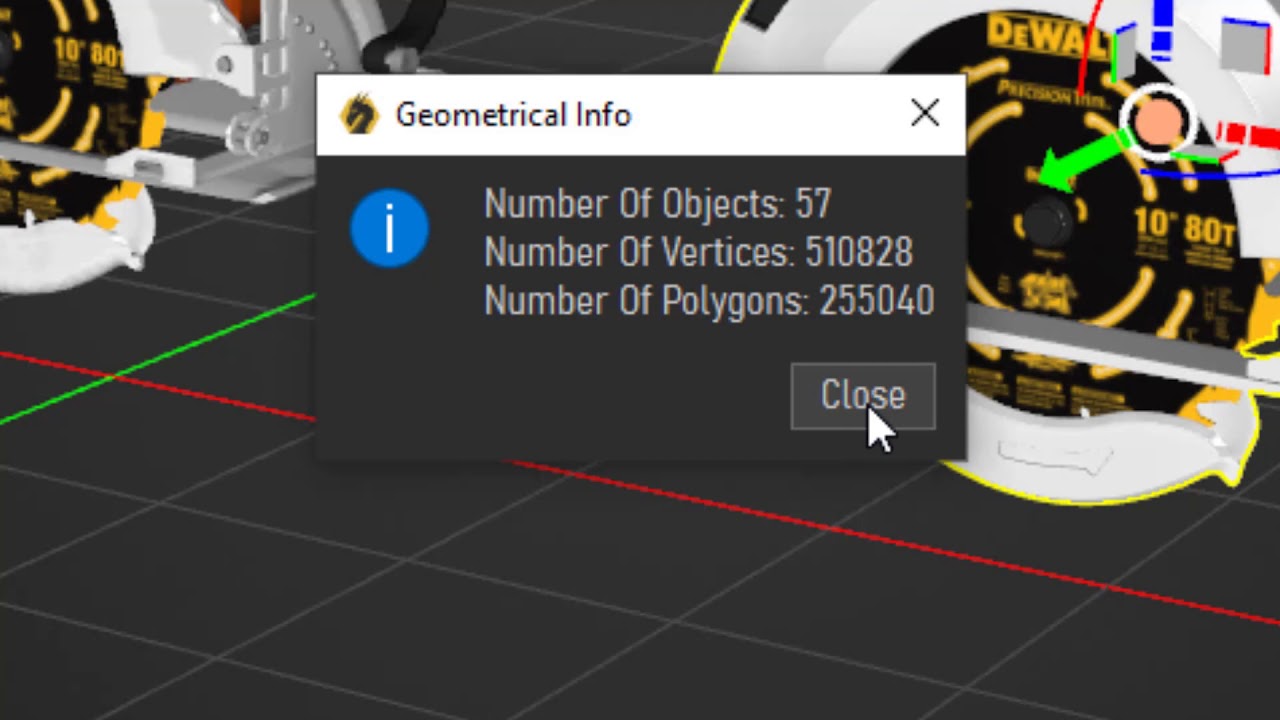
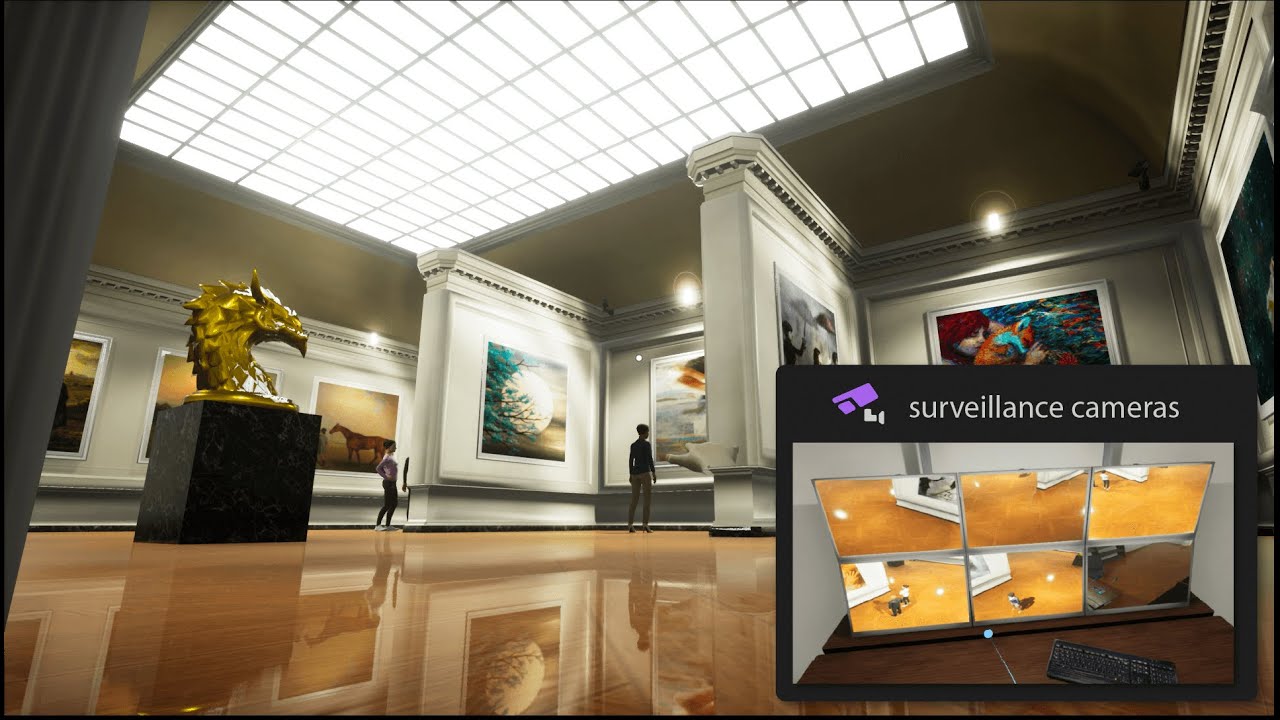
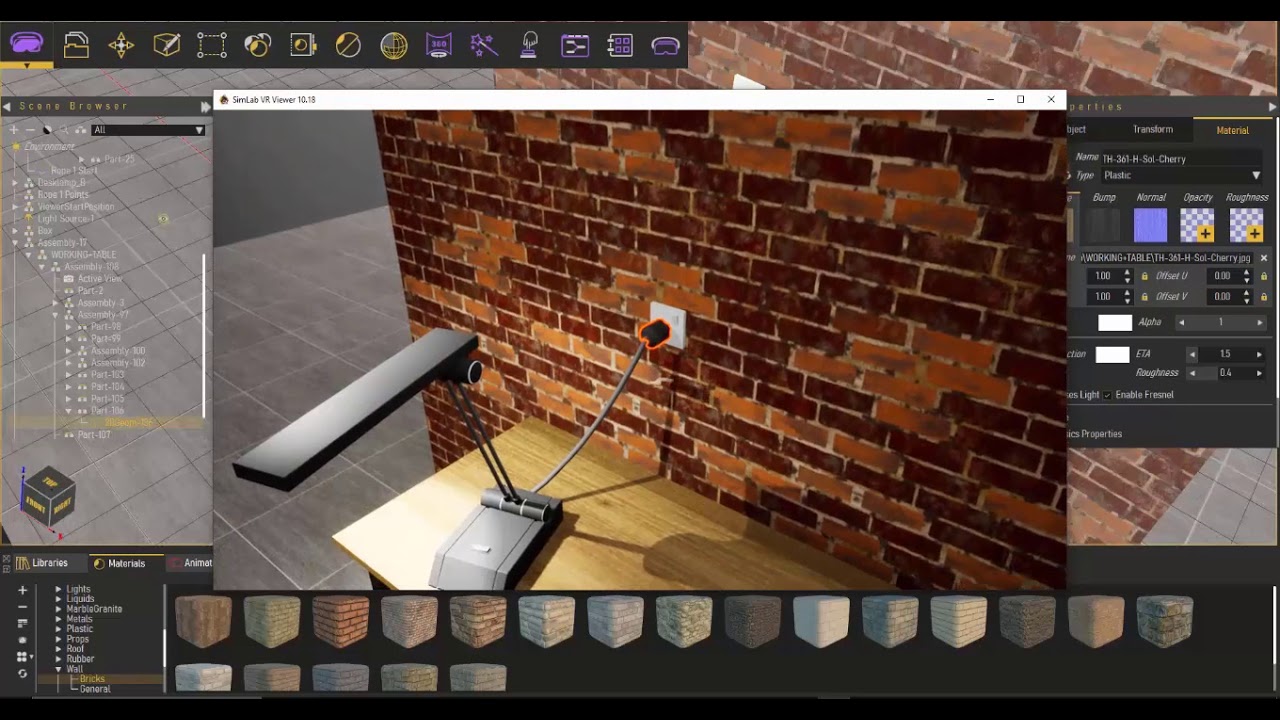
Eine kurze Zusammenfassung der neuen Updates in SimLab Composer 10.15:
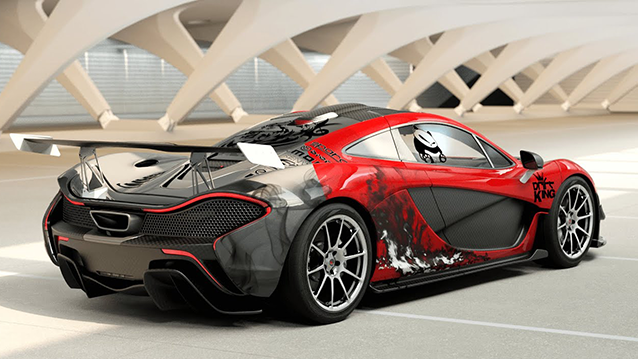
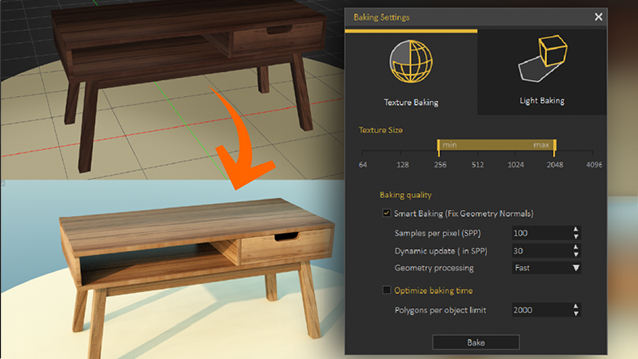
Eine kurze Zusammenfassung der neuen Updates in SimLab Composer 10:

Features in SimLab Composer 9
A brief summary with regards to the new updates that have been made in SimLab Composer 9 :
- SIMLAB COMPOSER
-
Scene Building
-
Search by name
-
-
Animation
-
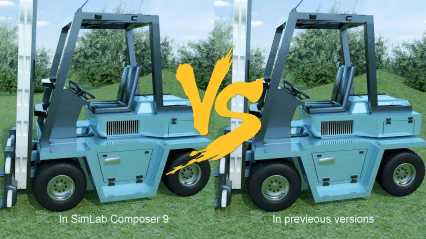
Animation Auto Ease options (Auto Ease Out, Auto Ease In, and Auto Ease).
-
New Animation Time-line tools: Capture keyframe for object, Go to previous/next keyframe, and Select all keyframes on Animation Time-line.
-
(Enhancement) Better layout for Animation Time-line tools.
-
-
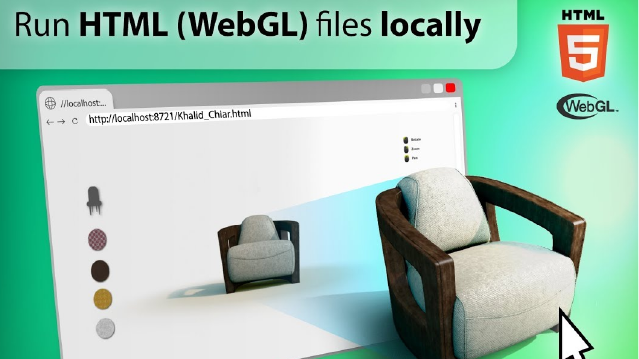
HTML/WebGL
-
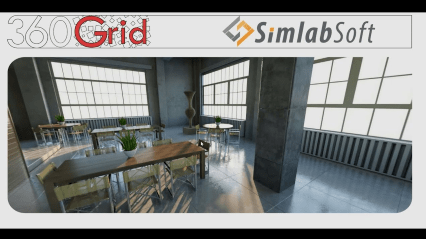
Added support for SimLab 360s Grid Technology.
-
Added support for Light Baking (Light Baking is similar to Texture Baking but it gives the user the ability to change material of objects).
-
Added support for sun light
-
Added support for shadow from sun, which can be enabled or disabled by the user.
-
Added support for Visualized Scene Options (lists)
-
(Enhancement) Better appearance for materials
-
(Enhancement) Better navigation: Smoother camera navigation with mouse movement in spin mode.
-
(Enhancement) Better looking message boxes.
-
(Enhancement) Camera transition among Scene States
-
-
3D PDF
-
Added support for Visualized Scene Options (lists).
-
-
VR
-
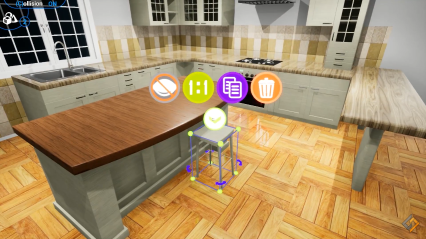
SimLab 360s Grid Technology for SimLab FREE VR Viewer, SimLab FREE AR/VR Mobile Viewer, and HTML/WebGL: load and move among 360 degree images.
-
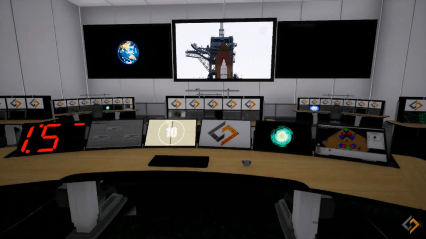
Make Video: View video clips in SimLab FREE VR Viewer and SimLab FREE AR/VR Mobile Viewer.
-
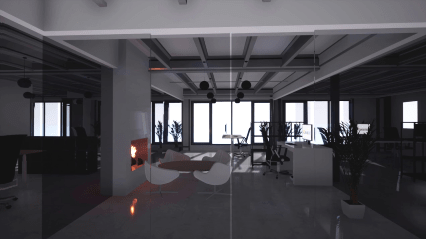
Event-Response System: SimLabs Event-Response System used for endless possibilities in your VR experiences, which also includes location-based triggers.
-
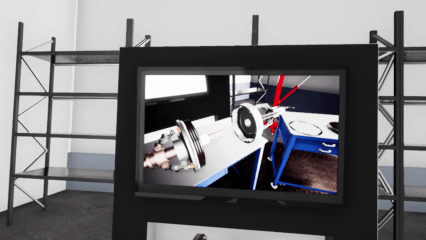
VR Training: A state-machine-based system used for endless possibilities in your VR experiences, which also includes location-based triggers.
-
-
Render
-
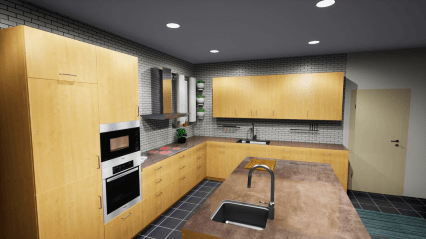
Render Animation using SimLab FREE VR Viewer: New rendering mode using the VR Viewer
-
-
- SIMLAB FREE VR VIEWER
-
Added support for SimLab 360s Grid Technology.
-
Scene Building Mode: Dedicated mode where you can move, rotate, scale, copy, delete, and hide/show objects.
-
-
(Enhancement) Improved two hands interaction with VR scene elements in VR mode.
-
(Enhancement) Improved grabbing (grabbing with two hands) in VR mode.
-
(Enhancement) Improved VR navigation (fixed old issues and added rotation) in VR mode.
-
(Enhancement) Improved Scene Modes activation for Large Navigation, Lists, and Scene Building.
-
Circular menu for switching among modes.
-
Activation of List mode shows all list pins existing in scene.
-
-
Users can now have two FREE private catalogs (up to 60 package)
-
Users have the ability to edit or delete their own packages.
-
- SIMLAB FREE MOBILE AR/VR VIEWER
-
Added support for SimLab 360s Grid Technology.
-
(Enhancement) View any 360 degree view (Panorama) images rendered by SimLab Composer or any third party application.
-
-

Neuerungen in Simlab Composer 8
A brief summary with regards to the new updates that have been made in the eighth version of SimLab Composer:
-For More tutorials and information you can visit VR User page-
- New added features: (click on the colored word for more details)
- Concerning VR (Virtual Reality) :
-
VR Workbench
A new workbench, dedicated for Virtual Reality (VR), has been added to SimLab Composer as the sixth workbench.
-
-
VR Viewer
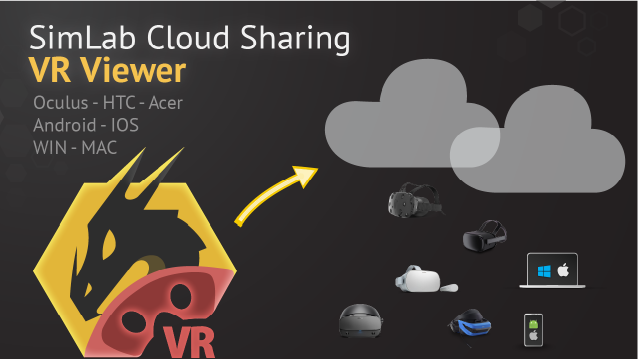
SimLab Composer comes with special viewer developed to let users live and experience rich and interactive environments in two navigation modes; SimLab Composer gives the ability to export and navigate created VR projects in a special-purpose viewer in Desktop (i.e. game-like controls using keyboard and mouse) mode and in VR mode using modern VR peripherals.
-
-
VR Showroom
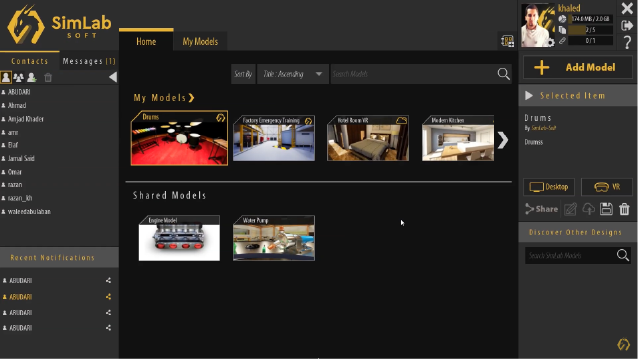
As another part of SimLab VR framework for users, VR Showroom is an application that presents a professional way to store, manage, exhibit, share your VR scenes and projects with others.
-
-
VR Fire
Create fire from various presets and control its color and smoke for stunning visual effects in your VR scenes and projects.
-
-
VR Smoke
Create smoke from various presents and control its color for stunning visual effects in your VR scenes and projects.
-
-
VR Fog
Enable and disable fog and control its color, density and start distance in your VR scenes and projects.
-
-
VR Water
Make realistic water surface and configure its color, depth, and speed in your scenes and projects.
-
-
VR Dock Action
Make dockable objects and interact with them in your scenes and projects.
-
-
VR Grab Action
Make grabbable objects and grab them in your scene and project.
-
-
Changeable Start Position
-
-
VR Animation Sequences
-
-
VR Play Sound
Enrich your VR experience and add sound effects to everything (supported audio file format extensions are: .mp3, .wav, and .ogg).
-
-
VR Scene States
Utilize our beloved Scene States even in your VR scenes and projects.
-
-
(Dis)Assemly Process
Build up and manage the sequence of how to disassemble and assemble simple and complex objects.
-
- Concerning VR (Virtual Reality) :
- Concerning 3D PDF :
-
File Attachments
Attach any number of any file format with your 3D PDF files exported from SimLab Composer.
-
PDF Document Fill Mode
Browse and select any 2D PDF or 3D PDF file document and set it as the Fill Mode for your 3D PDF exported using SimLab Template Designer.
-
Animation Sequence Action
Utilize and employ Animation Sequences in your exported 3D PDF files; either by assigning them to any 3D object via SimLab Composer or to 2D elements of your templates via SimLab Template Designer.
-
Play Sound Action
Utilize and employ sound effects in your exported 3D PDF files; either by assigning them to any 3D object via SimLab Composer or to 2D elements of your templates via SimLab Template Designer.
- Concerning WebGL / HTML:
-
Animation Sequence Action
Utilize and employ animation sequences in your exported WebGL/HTML files; either by assigning them to any 3D object via SimLab Composer or to 2D elements of your templates via SimLab Template Designer.
-
Play Sound Action
Utilize and employ animation sequences in your exported WebGL/HTML files; either by assigning them to any 3D object via SimLab Composer or to 2D elements of your templates via SimLab Template Designer.
- Enhancement :
-
New gui Theme :
A more beautiful theme for SimLab Composer’s GUI affecting its appearance (light and dark styles) on Microsoft Windows and Mac.
-
Neuerungen in Simlab Composer 7
New Features in SimLab Composer 7
The following is a brief summary of the new update and changes that have been made in version 7 of SimLab Composer:
- New added features:
- Top quality 3D object library.
- Mesh decimation.
- Composite path creation (used in animation and simulation).
- Sun and shadow study.
- Billboard support in 3D PDF and WebGL.
- New point to curve joint in simulation.
- Joint Limits in simulation.
- Enhancements:
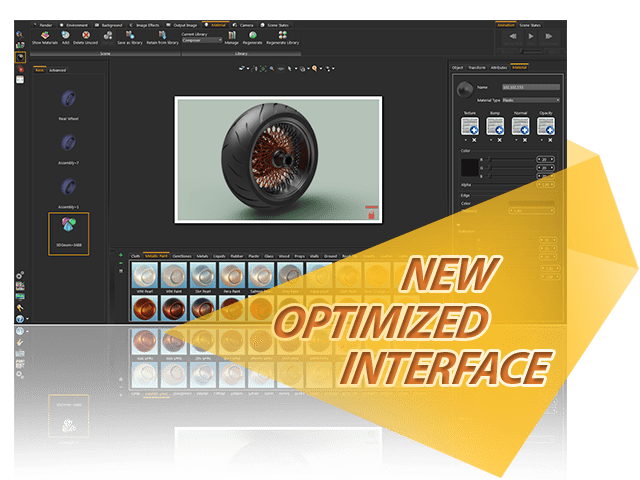
- New user interface for optimized workflow.
- Optimized WebGL for faster download and better navigation experience.
- Bug fixes:
- Various bugs fixes.
Neuerungen in Simlab Composer 6.1
The following is a brief summary of the new update and changes that have been made in version 6.1 of SimLab Composer:
- New added features:
- New Hard Points (for interactive transformation for existing objects in scene)
- Texture coordinate generation
- Exported animation to FBX
- JT importer/exporter
- New Material library
- Enhancements:
- Usability
- 3D PDF supports larger texture files (for texture baking and sharing)
- Bug fixes:
- Better tuning for the bump property of materials when exported to WebGL
- Various bugs fixed
Neuerungen in Simlab Composer 6
New Texture Baking
Workbench
Push your shared 3Ds to the next level
Neuerungen in Simlab Composer 2015
|
|
|
|
|
|

|
|
|
|



 |
|
 |
||
|
|
|
|
|
|
|
|
||
|
|
|
|
|
|
||||
|
|
|
||||
|
|
|
|
|||
|
|
|
||||
|
|
|
|
|||
|
||||||

|
|
|
||||
|
|
|
|
|||
|
|
|
||||
|
|
|
|
|||
|
||||||

|
|
|
||
|
|
|
|
|
|
|
|
||
|
|
|
|
|
|
||||
 Rhinoceros V8.0
© Copyright 2007 3DOne GmbH
Weitere Produktsites: RhinoCAD.de | OneViewer.com